Problem
The client needed a single workspace where sales and operations teams could track leads, manage follow-ups, view performance, and reduce manual spreadsheet work.
Project Details
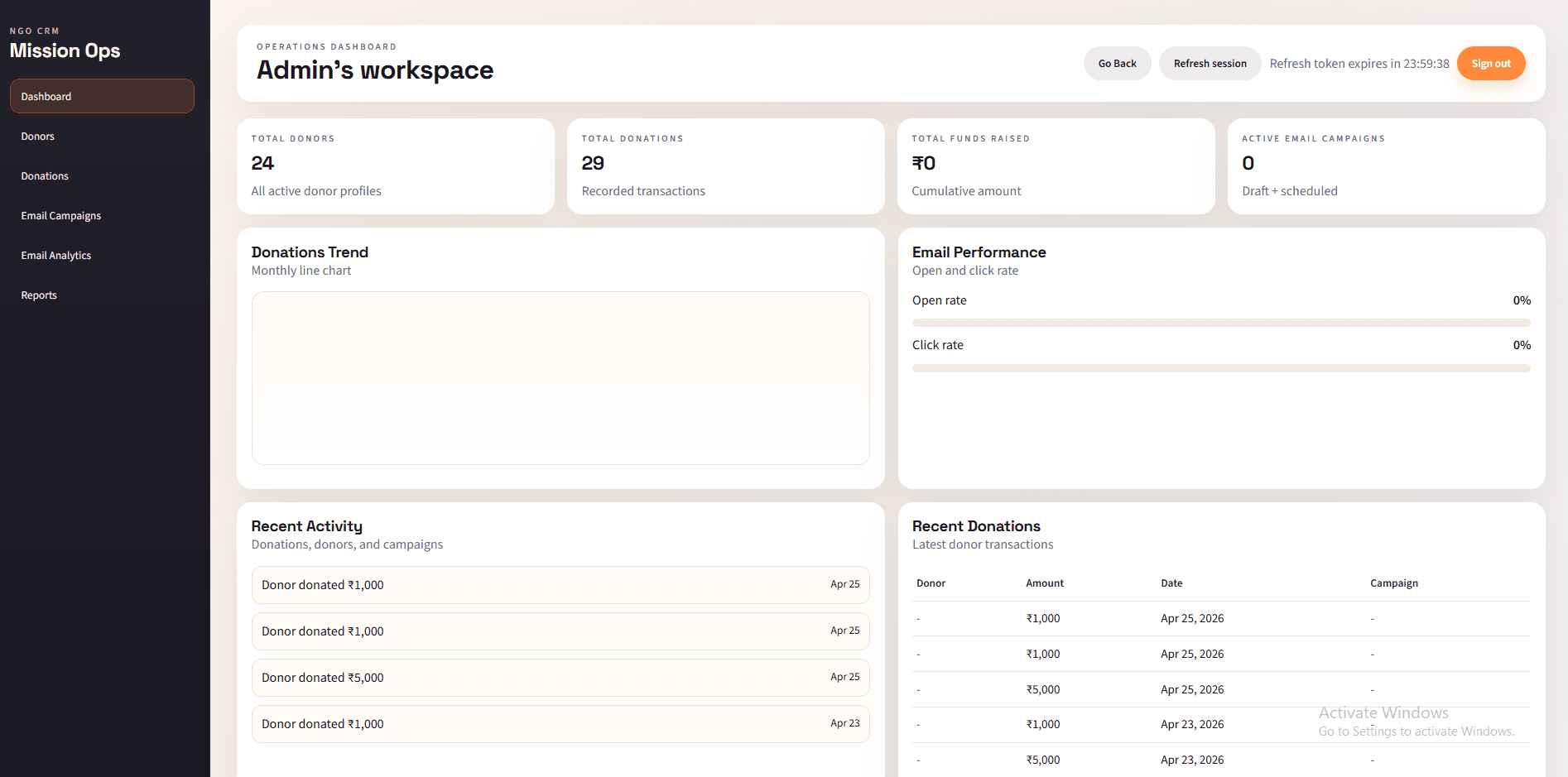
A high-visibility operations dashboard for managing donations and email marketing
Quick context
Approach
The client needed a single workspace where sales and operations teams could track leads, manage follow-ups, view performance, and reduce manual spreadsheet work.
I built a responsive CRM experience with role-aware interfaces, reusable dashboard modules, API-driven data flows, and clear reporting screens for day-to-day decisions.
Stack
Highlights
Structured lead stages with quick status updates and cleaner follow-up tracking.
Different dashboard states for admins, managers, and team members.
Readable metrics for conversion, activity, and team performance.
Optimized layouts for field teams using mobile, tablet, and desktop screens.
Ownership
Overview
This CRM dashboard was built to make daily sales and operations work faster, clearer, and easier to monitor. The interface focuses on practical workflows: managing leads, reviewing team activity, checking performance numbers, and moving customer records through a defined pipeline. I kept the UI modular so new dashboard widgets and workflow screens can be added without rewriting the core layout.
Impact
60%
Manual tracking reduced
< 2s
Dashboard load target
3+
Supported roles
Retrospective
I mapped each lead status into predictable UI states and kept edge cases visible through empty, loading, and error screens.
I broke dashboard content into priority-based sections so mobile users could scan key metrics without feeling buried.
I extracted shared cards, grids, and action patterns to keep feature additions consistent and maintainable.
Have a product idea, dashboard, or full-stack workflow that needs a clean build?
Contact Me